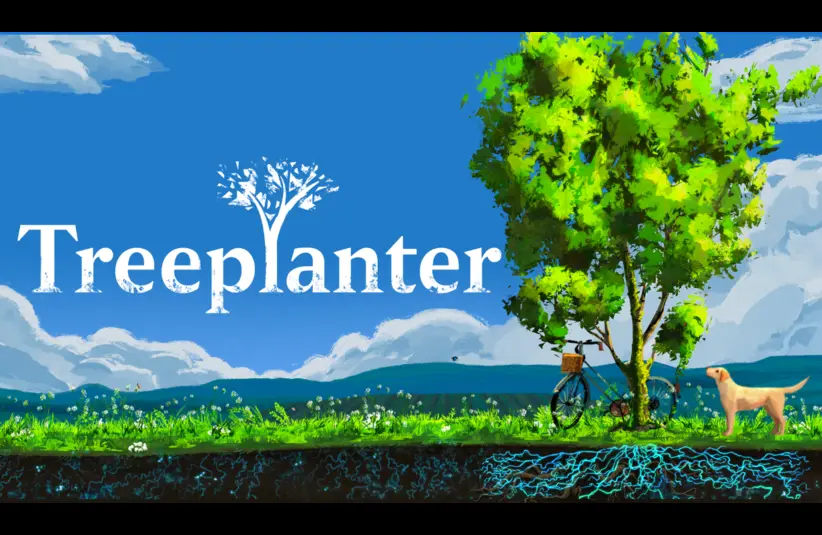
As gamers, we’re generally “indoor people.” The stereotype is that we avoid the sun and the outdoors. But what if there was a game that helped plant trees and flowers? Treeplanter is that game. And it isn’t just a charity buy. It really has some things going for it. I’ve had the opportunity to play it myself. Let’s talk about the good and the not-so-good.
What is Treeplanter?
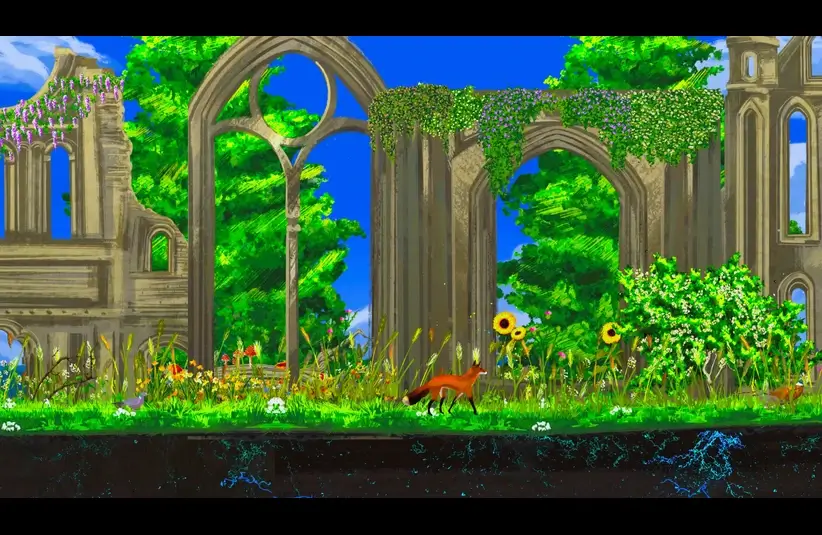
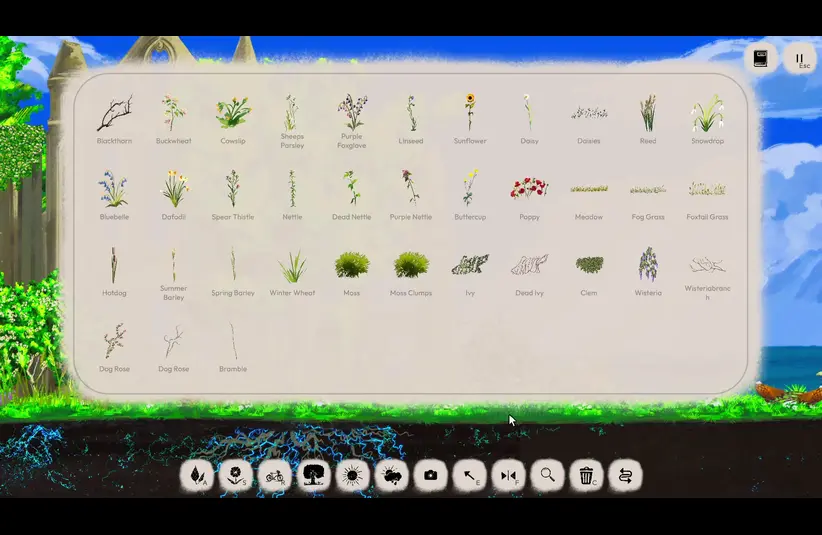
In Treeplanter, you choose a starting scene, then add trees, plants, ruins, and more to design a beautiful, interesting landscape. This is a game without scores, specific goals, or requirements. As you place more plants and objects, wildlife is attracted to the environment you’re creating.
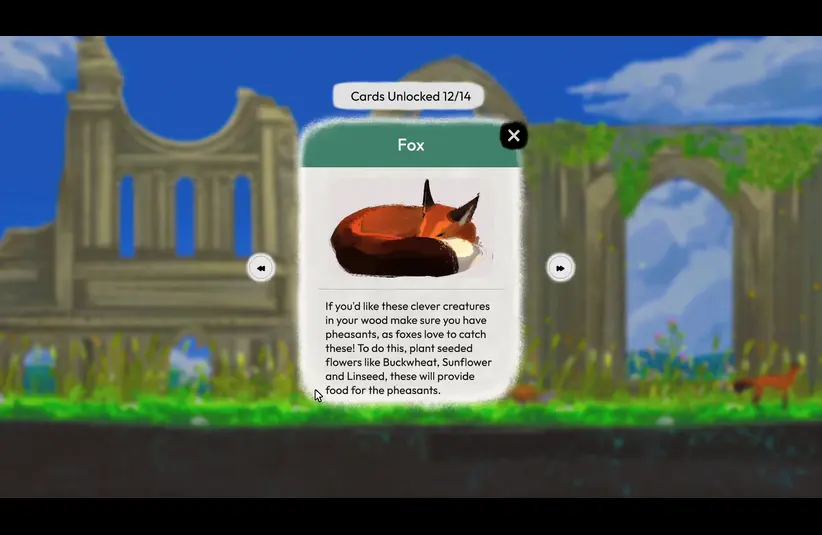
As you add more plants, educational cards will pop up. You can access them anytime by clicking the book icon in the upper right corner. The cards give real-world information, which also applies in-game to help you attract the creatures you want to see!
The game’s navigation is simple and easy to learn. And the menus are visual, making it easy to see the various objects and plants you can choose from. You can also change the time of day, the season, and even make it rain or add fog.
Visuals and Sounds
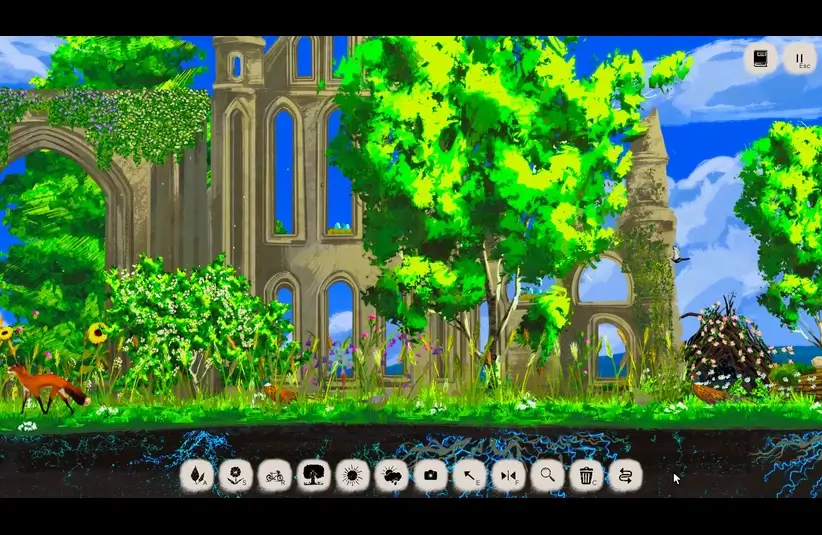
When you start playing Treeplanter, you’ll be greeted by the ambient sound of nature. And, as more creatures move into the environment you build, they add their own unique sounds. Birds like pigeons (or perhaps mourning doves) arrive early. Pheasants, foxes, hedgehogs, woodpeckers, and even a Labrador arrive on the scene.
Visually, it’s like a moving painting. Animals, birds, and insects walk or fly through the scene, and the ability to layer objects creates a vibrant 3D effect in what would otherwise be a two-dimensional image.
The Good and the Not-So-Good
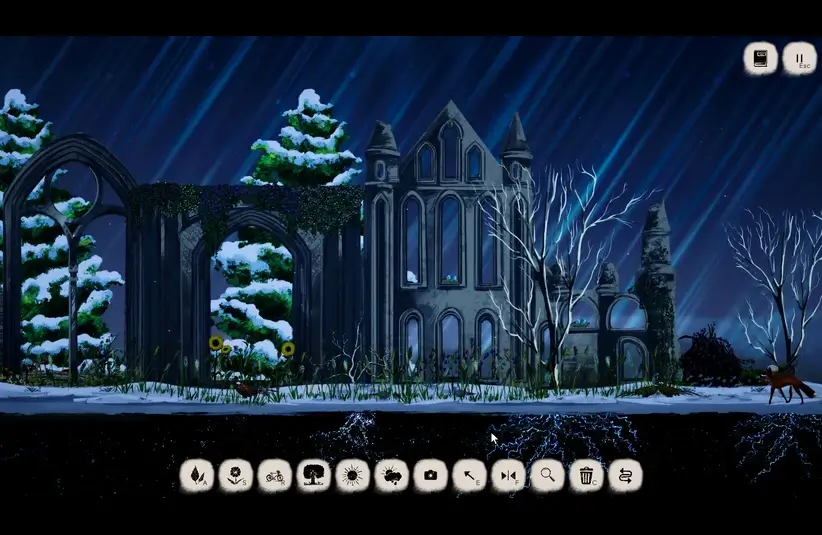
Overall, the entire experience is relaxing. It’s visually stunning, and the sounds are the kind you’d expect in a meditation app or track. I can absolutely see myself recording this with no spoken word, just sound, for relaxing playback. In my first experience of the game, the arrival of new animals and the gentle appearance of the informational cards gave me such delight. (Sadly, my recording of that first play-through was unusable.) Oh, and you can pet the dog.
I’d like to see more plants and objects. But that isn’t a deal-breaker for this game. I hope the developers decide to add more. But, if not, it’s still lovely as it is.
Using the mouse wheel to move an object between layers can be tedious. Once you’ve added a bunch of things to a scene, you may have to scroll quite a lot to move something all the way to the back (or front). It would be nice to have a menu that lets you move things all the way back or front more easily. In my second playthrough, I was unable to get hedgehogs to appear, and it wasn’t clear why. So, it would be nice to have slightly more detailed in-game help that tells you exactly what to do.
The one slightly annoying thing was that sometimes, when holding a flower or plant on the cursor, sliding the scene left or right caused that object to rotate on its own.
My Final Verdict
Should you buy Treeplanter? Yes. That’s a firm answer. This game is a relaxing, calming experience of creating a scene of tree beauty. It’s easy to do and has both keyboard/mouse and controller support. There is nothing in this game that would cause concern for children playing it. It’s beautiful, educational, and maybe even meditative.
Treeplanter was released on Steam on April 17, 2026. The full price is just $3.99, and it’s on sale with 20% off until May 1, 2026. Purchase of Treeplanter will fund the planting of trees and wildflowers.
Follow the developer here:
https://bsky.app/profile/henrydriver.bsky.social
https://x.com/HenryDriver_
What more great content? Bookmark us and follow us on YouTube.
And you can follow Michelle Kitz here: https://linktr.ee/michellekitz
 Don't stop here
Every Score. Every Story. One Home.
Breaking sports, entertainment and news from across the Total Apex network, updated all day.
Get the Full Story →
Don't stop here
Every Score. Every Story. One Home.
Breaking sports, entertainment and news from across the Total Apex network, updated all day.
Get the Full Story →