
Pawbay: Cat Chaos Review: Knock Things Over, Steal Fish, Repeat


Have you ever wanted the freedom of a cat to just wander the streets in freedom while creating the mayhem that cats are famous for? If that’s a yes, then you’ll want to have a look at Pawbay: Cat Chaos from Commando Panda because this game is exactly that. Sure, you have objectives. But that all seems optional. This is the coziest of cozy games, if you’re a cat at heart.
To be fully transparent, I did receive the game code for free; however, that doesn’t affect my opinions. I like what I like, and if I don’t like it, I’ll say so. I spent over an hour in the game so far to get a good handle on the gameplay. With that out of the way, let’s talk about Pawbay.
Pawbay Gameplay
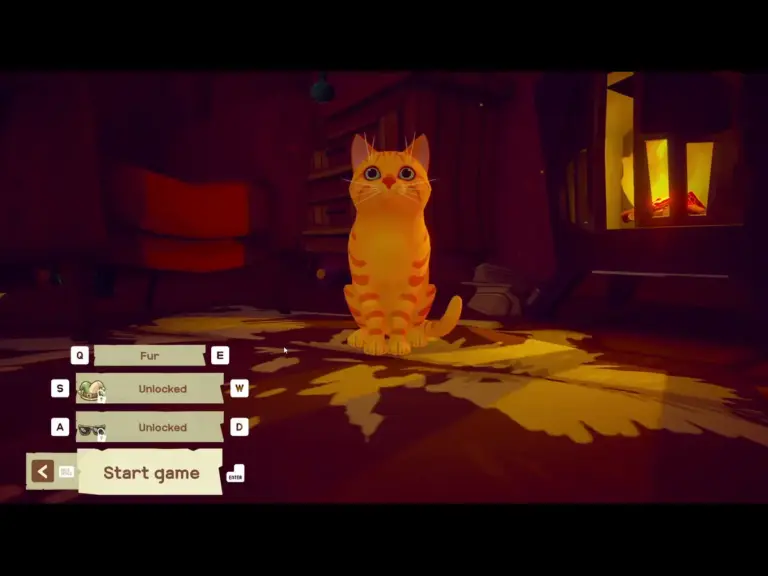
When you launch the game, the first thing to do is customize your cat. The selection of coat colors is pretty varied. I’d like to have seen more individualized customization, but this method does get you in the game more quickly. It’s also set up for hats and glasses. There is a “Silly Hats” DLC, and perhaps you’ll unlock some in-game.
Once you’ve created your cat, you find yourself in a living room where you can practice moving around, jumping, napping, knocking stuff down and scratching things. Yep, you get to scratch up the comfy chair and the door. That was quite satisfying. When you’re ready, jump up on the desk and go out the window to explore the town.
Controls
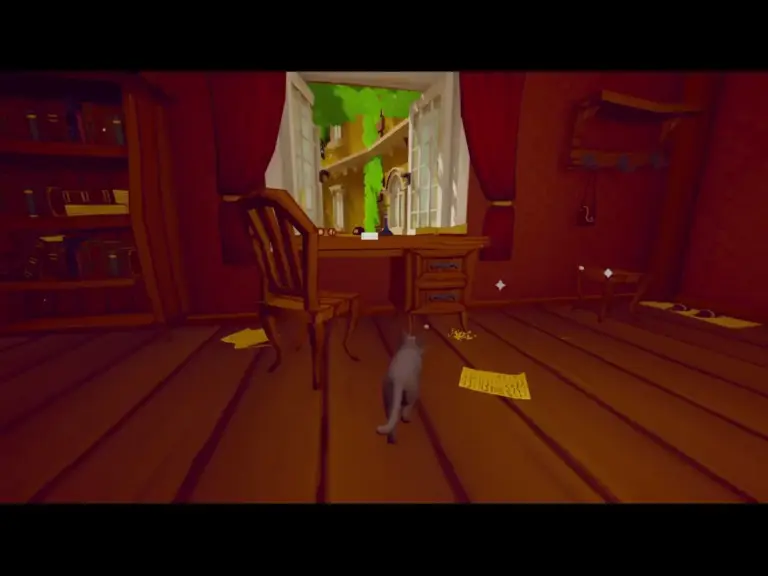
Movement is standard WASD and mouse to look around. I did have to turn the sensitivity way down because the camera moved so fast it was dizzying. Finer controls would be nice. Jumping is just the space bar. When you approach something you can jump up on, you’ll see a white space bar icon as shown in the screenshot above.
When interactions like jumping, picking something up, scratching, etc. are available, you’ll see white dots as you approach. Once you’re close enough, the interaction icon displays to tell you what to do to interact. It’s incredibly simple, and that’s refreshing. If I put the game away for a while and return, I don’t have to worry about remembering the controls.
What’s the Story Here?
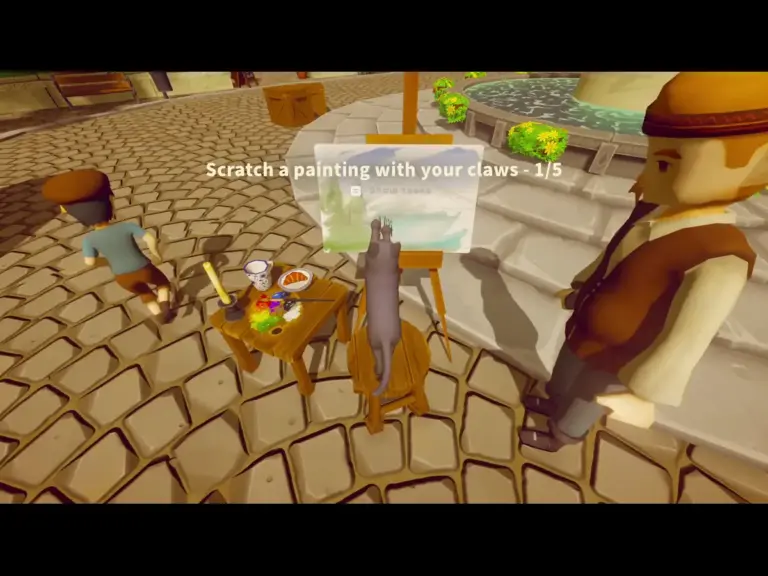
It’s simple. You’re a cat. This is a pretty village on a bay. Go cause trouble. So far, I’ve found that you can, of course, knock stuff off of tables and other surfaces, which sends the vases, cups and potions crashing to the floor. Other activities include interrupting people eating or playing checkers, stealing pouches of coins, eating fish, catching pigeons, scratching carpets and paintings in progress, and even tripping a running boy. (That was fun.)
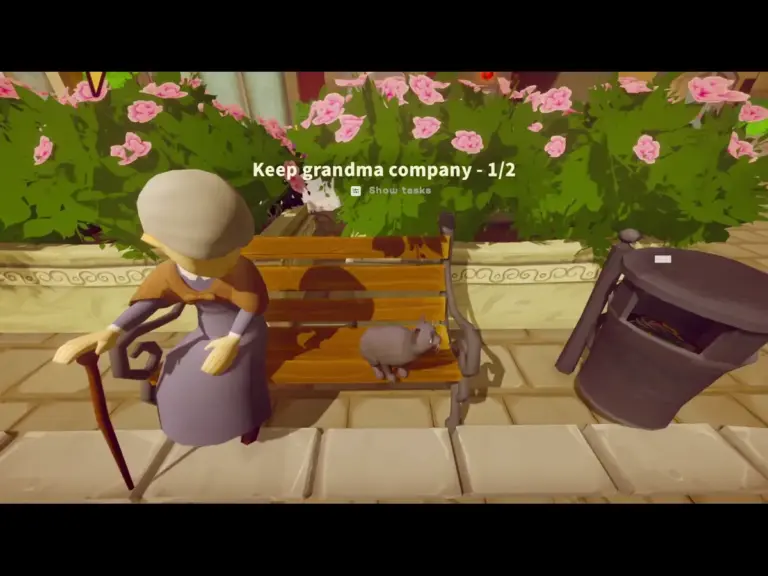
There are also some fun positive activities. You can greet other cats by meowing at them. When you meow at people, they react with smiles and laughing. There is a group of cats at the end of an alley, and you can bring them things like a fish and a pigeon. You can sit by grandmas on park benches to keep them company. That’s actually kind of adorable.
Graphics and Music
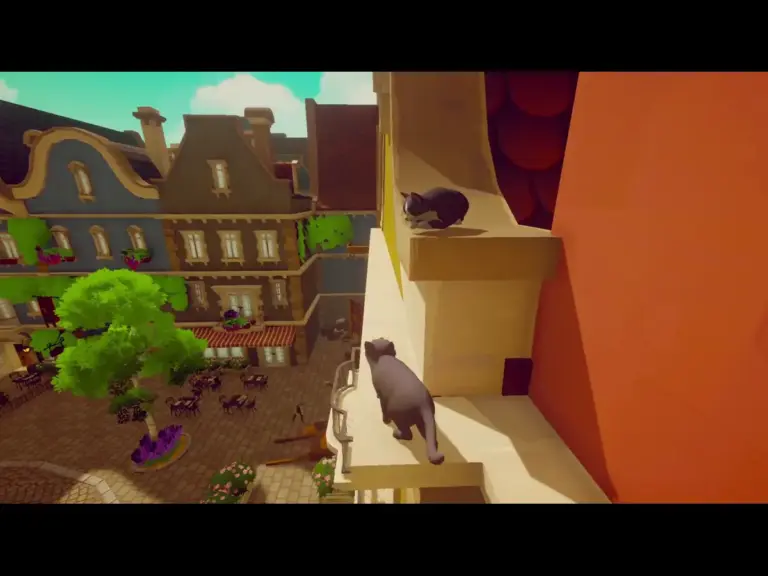
Pawbay has a kind of rough-looking retro feel to the graphics. I don’t mean rough as in bad, but as in it’s not realistic. Characters are a little blocky, and the environments are too. It’s colorful and inviting. The music is nice and fits the environment. Though, even after turning it down, you’ll still have trouble hearing me at times in the gameplay video. Like the sensitivity, finer controls would be nice for the music.
The UI is minimal. While you’re running around, there is nothing to obstruct your view of the environment. However, this is where I did have a bit of an annoyance. As you go through the beginning of the game, it gives you tutorial information, but sometimes it flashes too quickly. I did have to do an internet search to find out how to bring up the list of missions. Other than that and adjusting the sensitivity for the camera, everything was smooth.
My Early Verdict for Pawbay: Cat Chaos
After playing the game for over an hour, I find that I want to spend more time in the world of Pawbay. Although there are a couple of things that annoyed me (the camera sensitivity, music volume, and ease of finding keybindings), the game is overall quite enjoyable.
Pawbay is a cute, cozy game with minimal violence to objects and pigeons. It is low stakes with no real tension. So it’s a good fit if you want to enjoy a game without testing your twitch reflexes.
Pawbay is currently available on Nintendo Switch, Xbox, PlayStation 4 and 5, Steam, and Epic Games. You can also find it in the Microsoft Store on PC.
Read more by Michelle Kitz, and you can follow her here.
